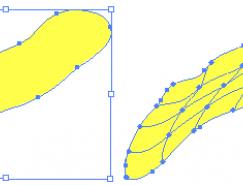
六、平滑平面:
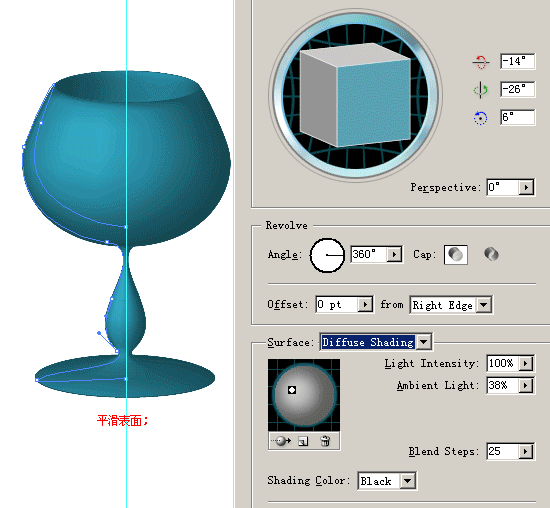
七、平滑加高光


八、雙擊此處可更改表面顏色
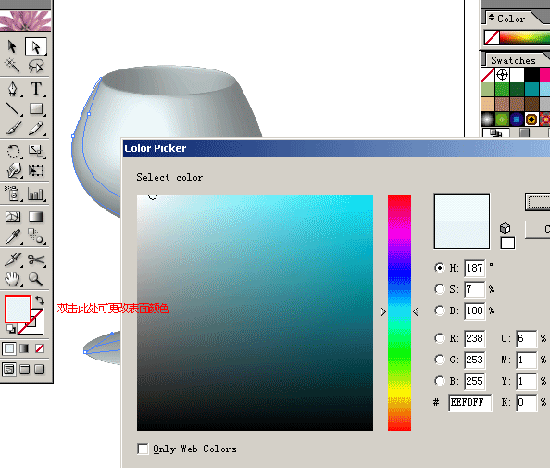
九、選擇合適貼圖、表面進行貼圖(可以將貼圖預覽打開方便調整)
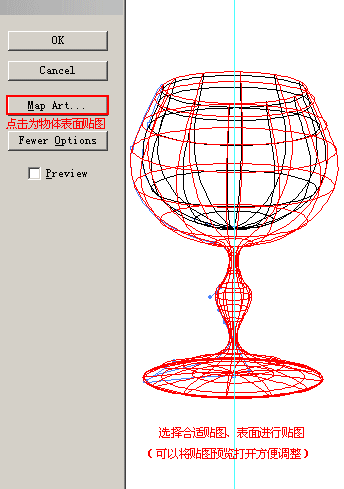
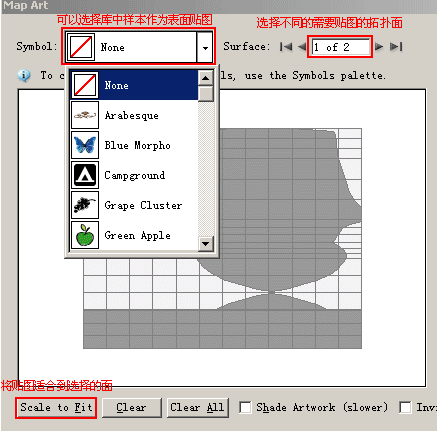
十、調整貼圖位置、大小
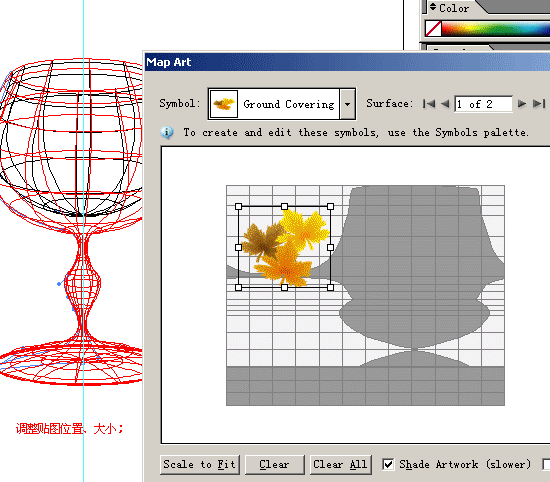
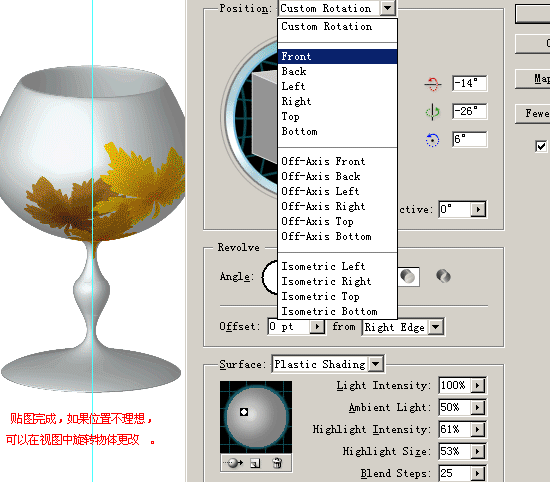
十一、貼圖完成,如果位置不理想,可以在視圖中旋轉物體更改
隨機推薦
- Illustrator教程 | 2006-05-07
- Illustrator教程 | 2011-02-20
- Illustrator教程 | 2007-01-04
- Illustrator教程 | 2022-02-11
- Illustrator教程 | 2006-06-09
- Illustrator教程 | 2022-02-13